

With the Robinform Chrome extension you can keep track of everything related to applicants, from where you’re already working.
From your HR system (Workday, Oracle, PowerSchool, etc.) you can view applicant status and create forms in Robinform, without having to hop between windows or tabs.
You can add the extension here.
Set up the Chrome extension
To set up the Chrome extension, first follow the link to download it from the Chrome store (it’s free for Robinform customers). *We have two extensions. Make sure you click on “Glue by Robinform”
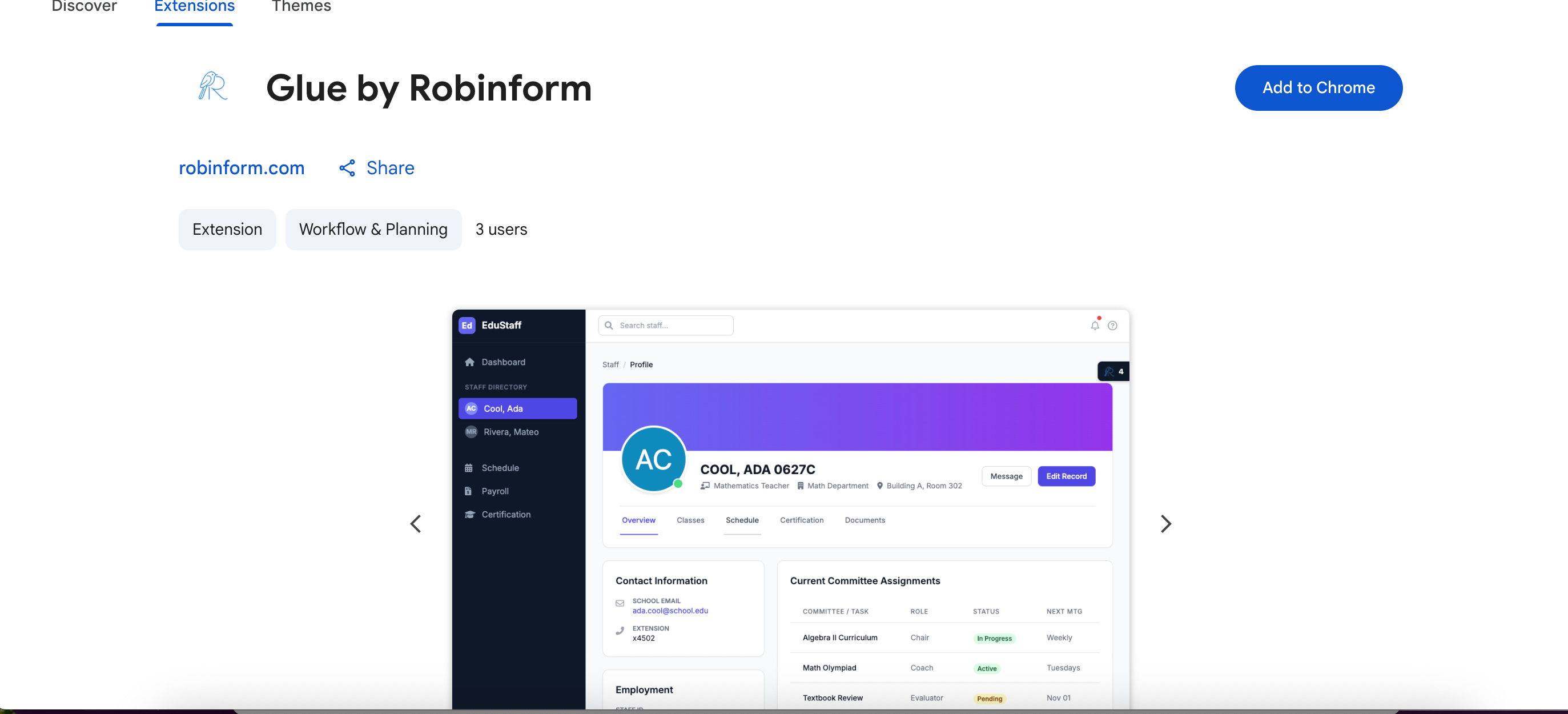
Next, open the extension on your HR platform. Copy/paste your organization’s Robinform URL from the dashboard. Then, you’ll be asked to grant permission for the extension to operate on the webpage:
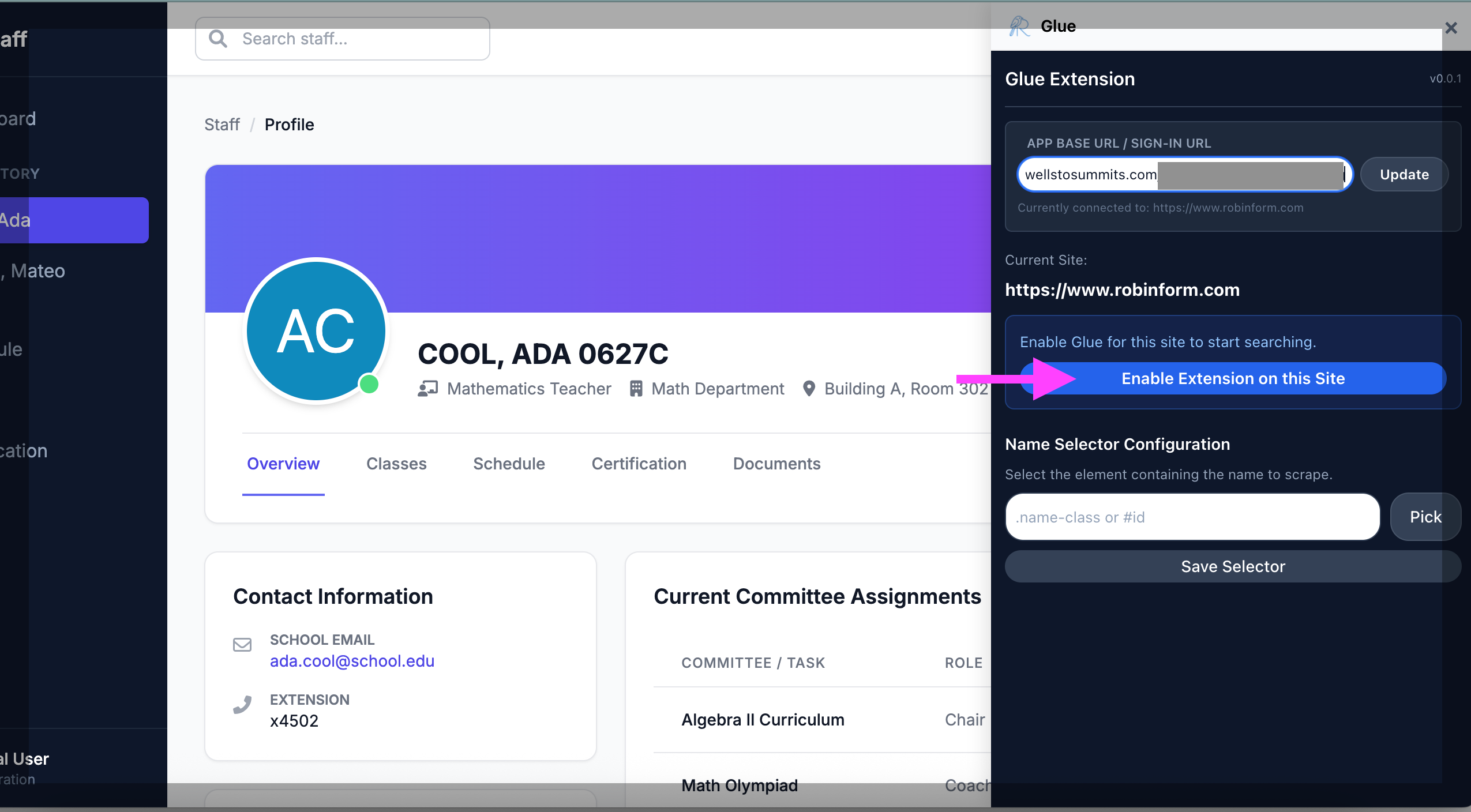
Now, select where the extension can find the name of the employee on the HR platform.
Refresh your page and close the extension’s set-up window.
You will now see the Robinform logo on the right hand of your HR platform, click to see the status of that employee’s forms. If there is no employee in Robinform that matches the name in your HR platform, you can create one directly from the extension.
Now you can do everything from within your HR platform!
If you have questions or feedback, please let us know. Reach out to help @ robinform.com