


Let’s get right to what we’ve added in the past month:
Metrics on the dashboard
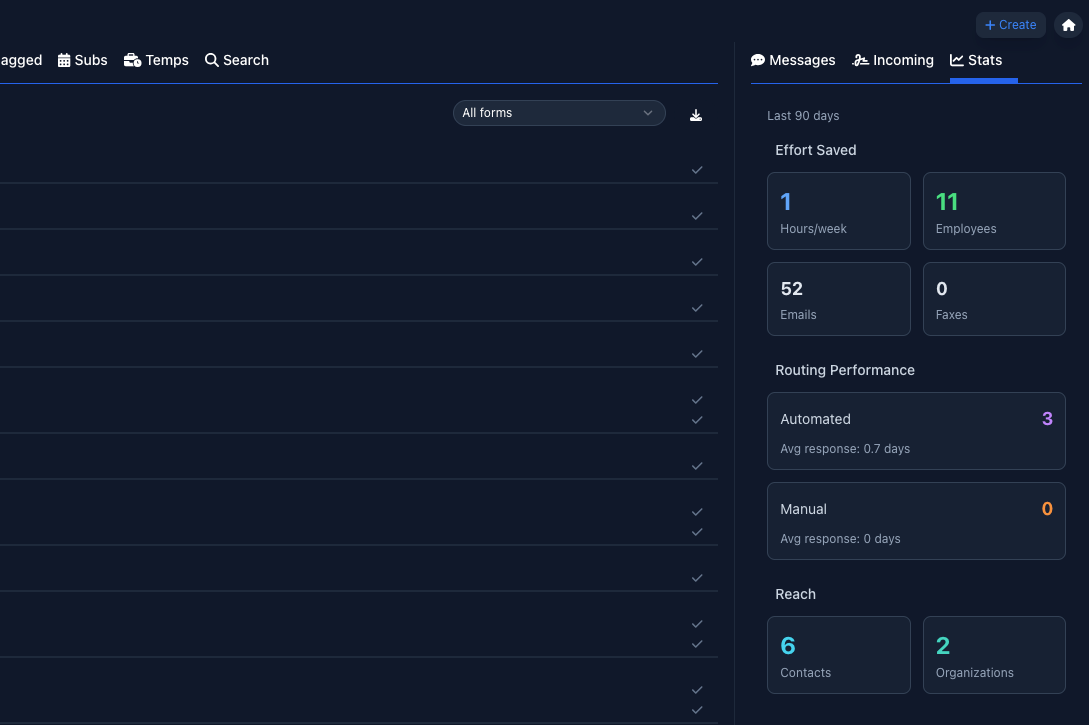
You can now see detailed metrics about the number of forms you’ve sent, how many employees you’ve sent forms to, the routing performance (i.e. info your team had to manually correct vs. Robinform automatically routing), and how much time Robinform is saving your team each week.
The metrics are for the past 90 days (from the day you’re looking). It’s a great way to get a pulse on your team’s workload over the past 3 months.
Completed forms - email notifications
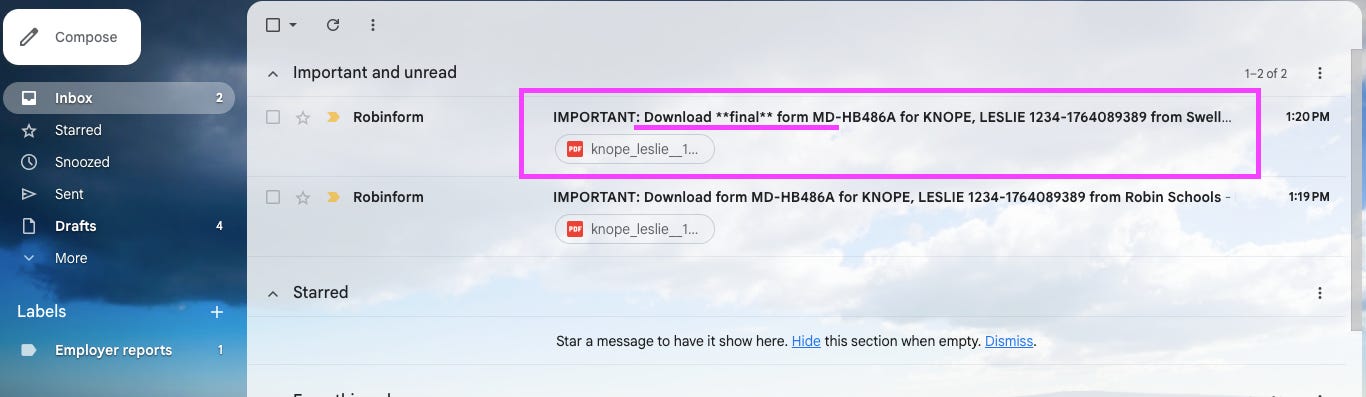
When all of an applicant’s forms have been signed by their past employers, the last email notification will alert you that they are “cleared” and are not waiting for any more signed forms. To keep your inbox uncluttered, this is included in the notification emails we send when a form is completed (see screenshot below).
If you send multiple forms via Robinform, you’ll get a “final” notification for each form type. For example: if an applicant has sent three references forms and three misconduct forms, you will get a notification when the last reference form is complete and another notification when the last misconduct form is complete.
Outreach timeline
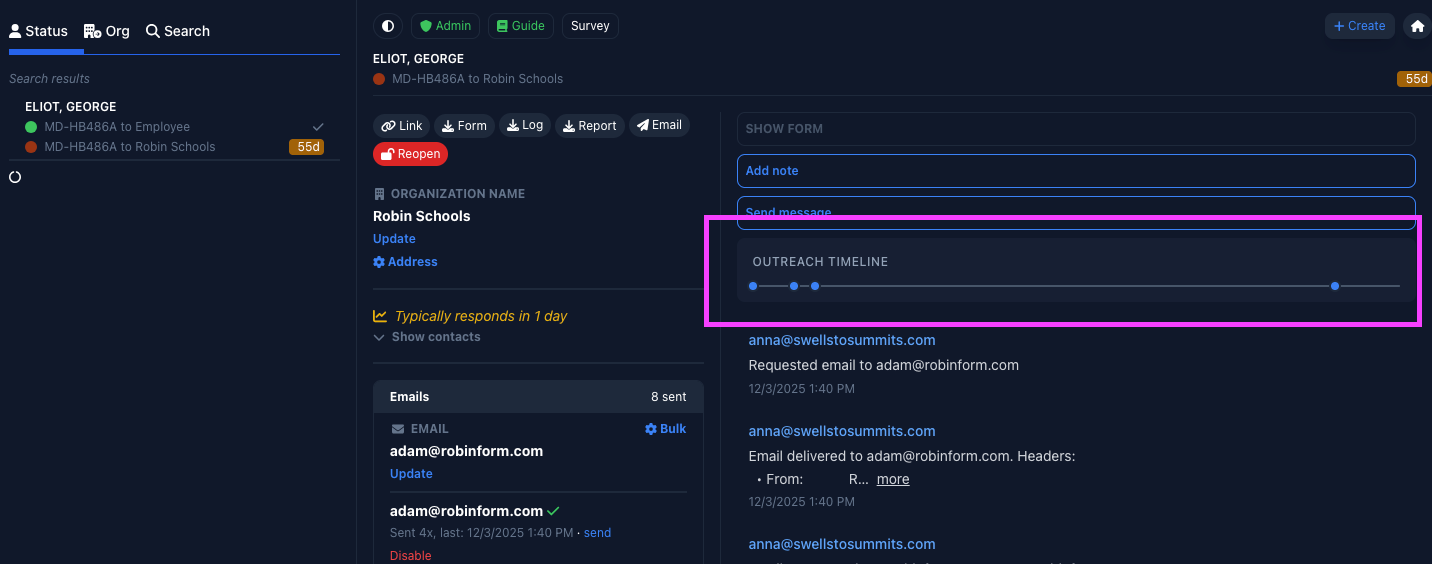
To help you quickly get a sense of the notification attempts to past employers (and applicants), we built an outreach timeline graph on the form detail page. Here you can see the number of attempts (each blue dot) and the timing of each notification. When you hover over the dot, you’ll see a date, time and the outreach type (email, phone, or fax). Further detail is shown in the log below, if needed.
That’s a wrap! If you have any questions or would like a demo, please reach out to help@robinform.com.